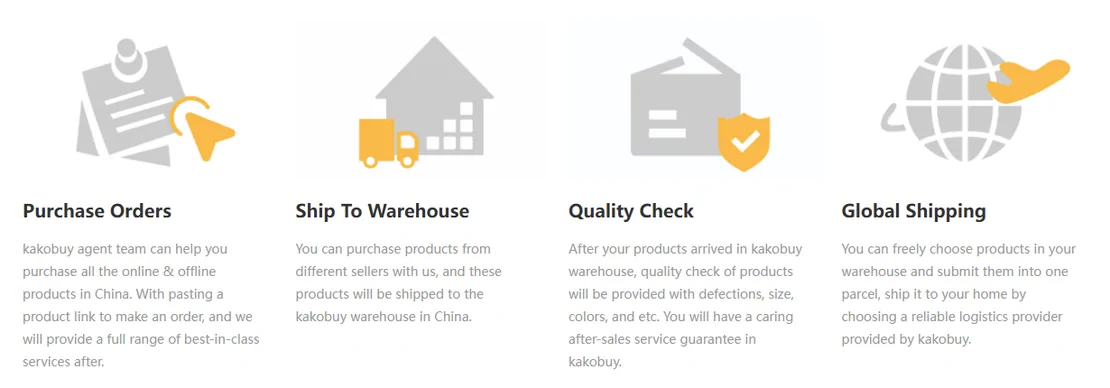
Pipeline
From listing to doorstep, status by status
One pass through the pipeline, step by step, with the undo checkpoint named at every stage. The operator reviews orders within 3 to 5 working hours and domestic legs run 3 to 5 days (tutorial page, read 2026-10-10), so most of the calendar is yours to plan around.
Step one
Find it, copy it, submit it exactly
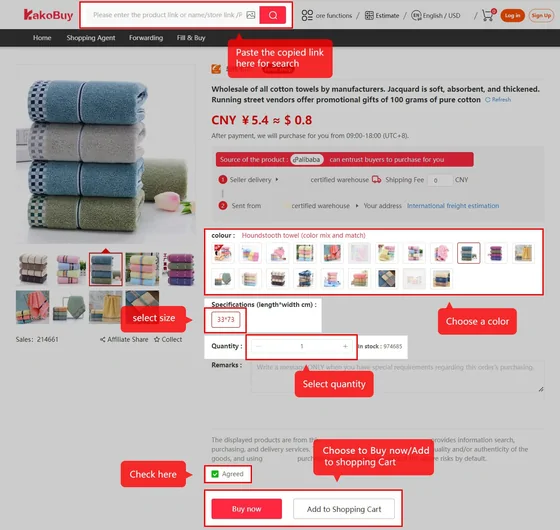
Start from the shelves here or from your own browsing, open the listing, and copy the product link at source. Paste it into the agent’s search bar and the listing loads with its variant tiles; pick colour and size, set the quantity, and submit with the figures exactly as the listing states them. From link to filed order is minutes when the label reading from the batches page is already done.
Links the crawler cannot parse go through Fill and Buy by hand. Those carry their own terms, covered under red flags: no after-sales, no cancellation after payment.
Statuses one to three: paid, bought, posted
After payment the order reads [paid]; the agent’s review happens inside 3 to 5 working hours, and a cancel here is a support message away. Once bought it reads [Processing], still fully reversible with the payment back to balance. When the seller hands the parcel to a courier it turns [Mailed], and the domestic leg of 3 to 5 days begins; from this point undo depends on the seller, so the cheap exits are behind you.
The full ladder, with costs, is on cancellations and returns.

The window opens
Warehouse arrival and the quality check
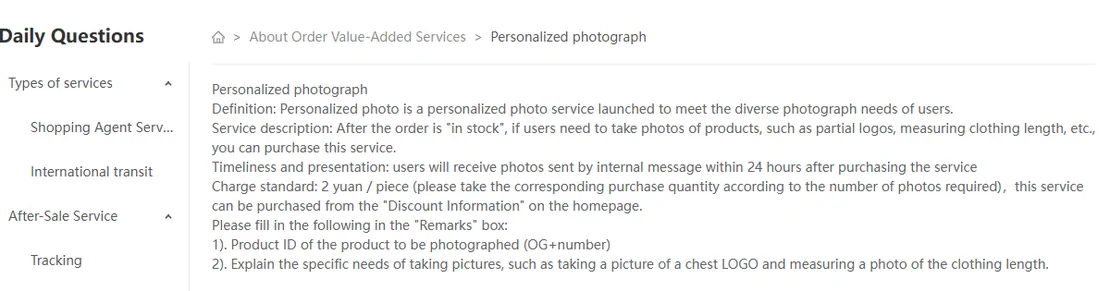
Arrival at the warehouse changes the status to Stocked in. Exchange and return requests share a five-day window (help id 87, checked 2026-10-12 and confirmed 2026-10-14). Help id 51 counts 120 hours from the next full hour after that status change. The warehouse quality check covers appearance only, model, style and size, opened for garments, bags, suitcases and shoes, never for sealed packs, and for electronics it checks accessories and physical damage, not function (help id 89, read 2026-10-10). Inspection is free; a personalized photo set costs 2 yuan per piece within 24 hours (help id 114).
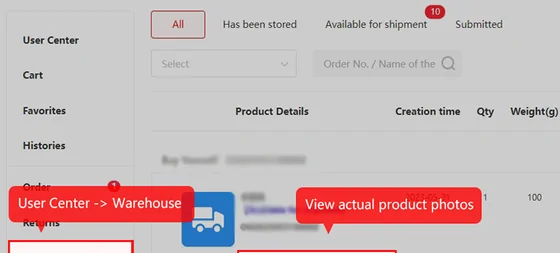
What this site adds is the reading order, not the photo technique: check the photos against the listing label and variant tiles you submitted, inside the window, so a mismatch still has a live undo. The deep dives into photo reading belong to the operator’s help centre; start at the inspection rules article.
How to read QC results against the label
Three comparisons, in order. Colour and pattern against the option tile you picked; a different colourway is a wrong-variant case while the return window is still open. Size tag against the size you filed; tags photograph clearly in appearance checks. Count against the quantity you paid for, remembering that wholesale parcels are counted in boxes, not pieces. Anything that fails lands in a seller conversation, and the status string decides which rung of the ladder you are standing on.
If a photo does not show a necessary detail, request a clear view of the measurement, label or defect. Keep the order number and original option screenshot with your question. Photos cannot establish hidden construction or electronic function.
Use a short issue report instead of a general verdict
Write the order identifier and the expected option first. Then describe the observable difference: “ordered blue, pictured black”, “two pieces ordered, one visible”, or “size label not readable”. Attach the selected-option screenshot and the relevant warehouse view. If the set merely omits a detail, request that view rather than reporting an unproven defect.
Keep a second list for what the photos cannot establish, such as internal construction, function or long-term wear. Ask whether the needed service exists before relying on it; extra photographs answer visual questions and do not create a new warranty.
Resolve the issue under the applicable order and return conditions before selecting shipping or removing packaging. GL and RL are useful shorthand for your decision, but the actionable evidence is the specific mismatch and the next step you ask the agent or seller to take.
Ship together or in batches, then confirm
Stocked items wait until you submit a waybill, and the operator leaves the grouping to you: choose the can-submit items and send them together, or in batches (help id 21, read 2026-10-10). The same article carries the one planning fact that matters: parcels over 10 kg, or stuffed with many identical items, read as commercial to customs, so a batch split is sometimes the safer filing.
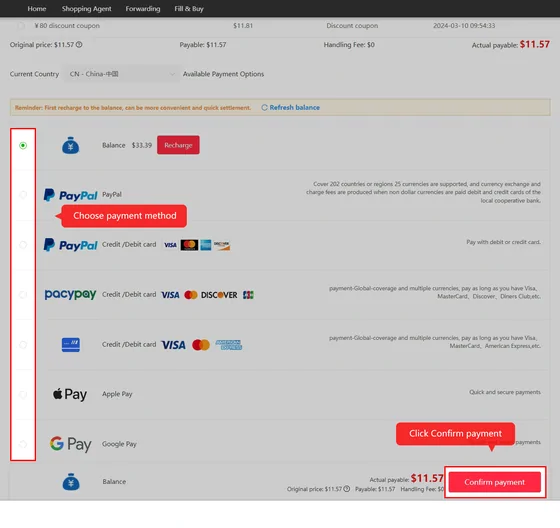
Pay the international freight, watch the tracking, and press confirm when it lands. Before submitting the parcel, compare available routes for your destination, check restrictions on the contents and read the billed-weight basis. The costs page explains the fee lines and how to read a shipping quote.
The whole pipeline on one card
Submit the purchase, pay, agent buys, warehouse checks and stores, submit the waybill and pay freight, confirm receipt. Six stages, two of them with hard undo windows, all of them legible from the status string. Keep the helper open for the first stage and the ladder for everything after.